A daily output record gives a small pasta workshop one consistent account of what entered production, what became approved product, what remains on hold or in process, what was reworked or removed, and why the machine or line stopped. It prevents nominal machine capacity, planned quantity, extruded quantity, packed quantity, and saleable output from being treated as the same number.
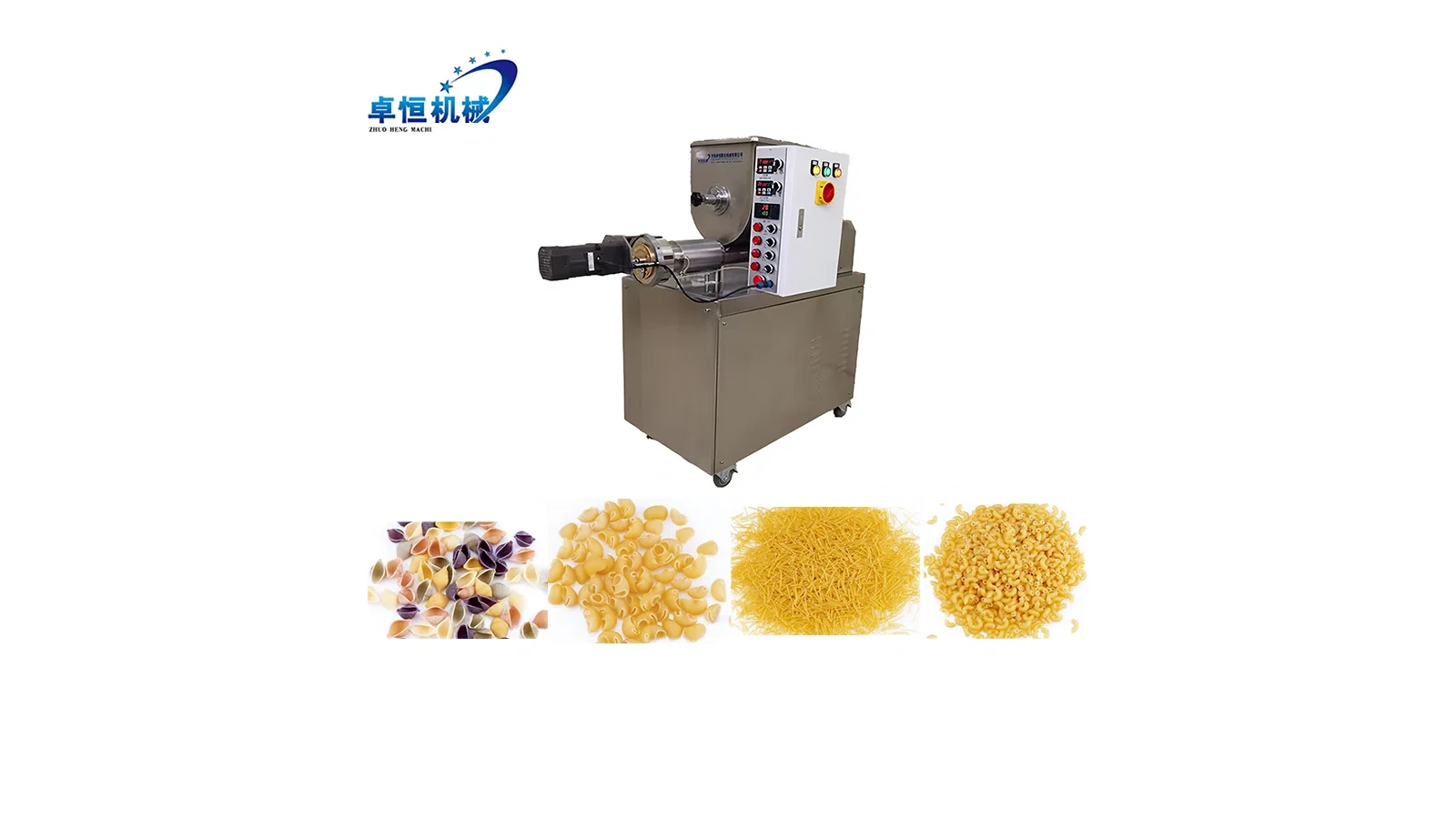
Compact commercial pasta equipment is documented around 15 kg/h and 40 kg/h classes, while actual results remain product- and project-specific. The 15 kg/h compact pasta machine provides equipment context. The daily record must still identify the selected machine, formula, shape, route, operating period, and measurement method.
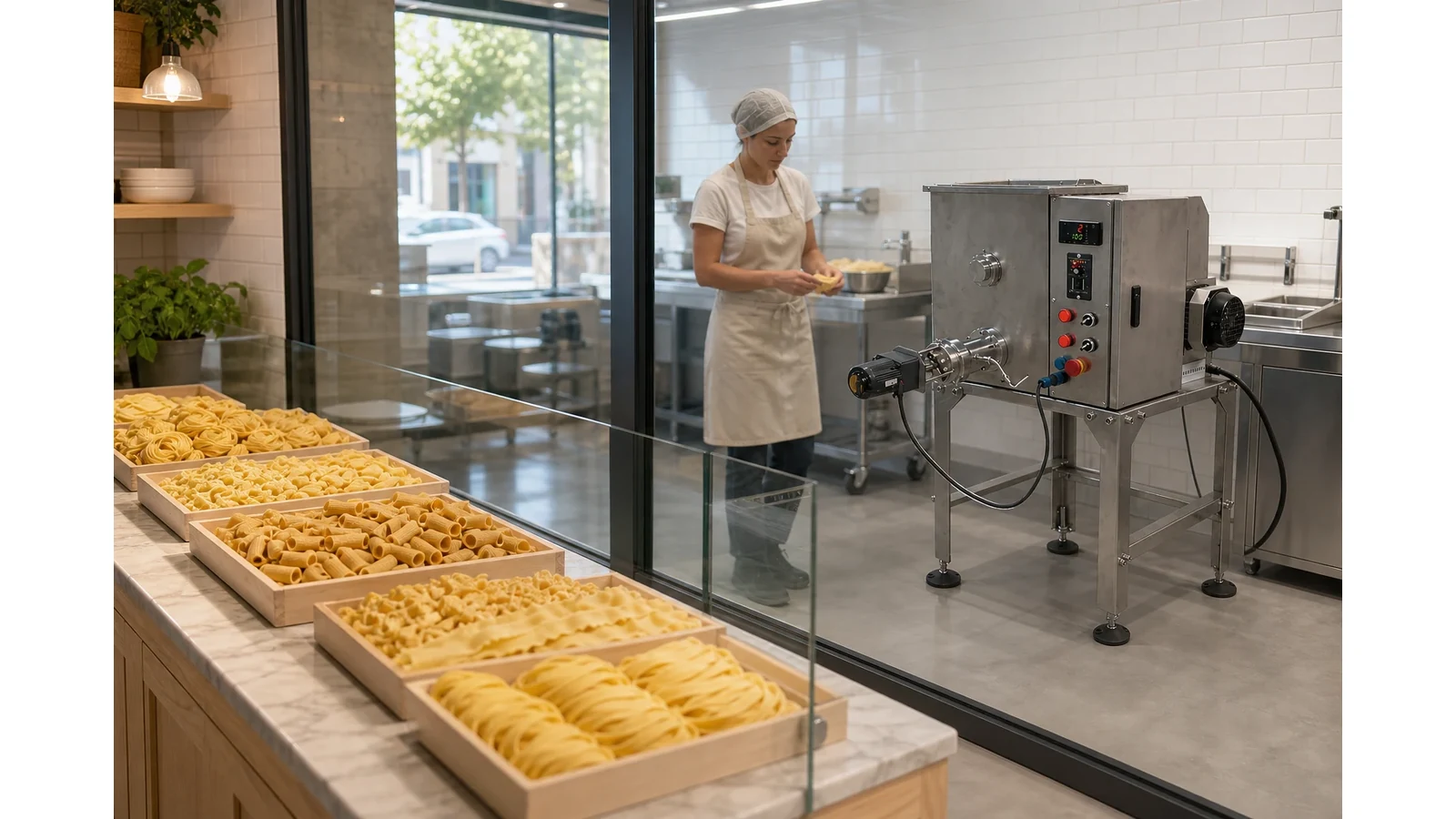
Define the Day and Quantity Boundary
Record date, shift or operating window, work-order codes, machine tag, operator, products planned, formula revisions, molds, fresh or drying route, and the downstream point where finished quantity will be counted. A workshop that counts product at the cutter has a different boundary from one that counts dried, packed, and released product.
Choose units for ingredients, dough, extruded product, trays, packages, and scrap. Record scale or counting method when the quantity supports a decision. Estimates stay marked as estimates and remain outside verified totals.
The fresh pasta batch planning guide helps set intended batch size and timing. The daily output record compares planned and actual categories without turning a plan into a guarantee.
Give Every Batch a Complete Identity
Assign a batch code and link it to product, formula status, mold code, ingredient-lot record when used, start and finish time, collection containers, route, and final status. Keep trial, transition, routine, and rework batches distinct.
When one operating day includes several shapes, record each batch separately. The small pasta workshop mold-change schedule provides the sequence and change record. The daily sheet preserves the quantity result for each named block.
Separate Output into Decision Categories
Use clear categories: approved good product, product awaiting review, work in process, retained sample, permitted rework, process scrap, packaging reject when packing is in scope, spill or handling loss, and quantity not yet reconciled. The buyer defines the release and rework rules under its own quality system.
Record quantity, unit, collection point, time, container, batch, reason code, and status owner for every non-good category. A single “waste” row hides whether material is still recoverable, held for investigation, retained as evidence, or permanently removed.
Use observable reason codes such as startup material, shape adjustment, mold change transition, visible damage, drying or handling observation, pack setup, sample removal, spill, or unidentified difference. Root cause belongs in a separate review supported by evidence.
Record Good Product at the Approved Point
State where good product becomes countable: labeled tray, drying rack, cooler outlet, sealed package, or another approved point. Record the approval reference and whether the quantity is gross, net, piece count, tray count converted by a controlled method, or packaged net weight.
For fresh pasta, product may move quickly into service, refrigeration, or packing. For dried product, work in process can remain in the route at shift end. Keep that quantity separate until it reaches the defined finished point.
Build a Downtime Timeline
Record every stop with start time, end time, duration, machine or process point, observable condition, planned or unplanned status, owner, and closeout reference. Planned cleaning, mold changes, breaks, ingredient preparation, and downstream waiting remain separate from equipment faults.
Avoid assigning a technical cause in the first entry unless supporting evidence exists. “Machine stopped after alarm code shown” is an observation; a component diagnosis needs qualified review. Preserve the alarm, tag, product, batch, and operating state for service follow-up.
Link the start-of-day release to the small pasta machine pre-use inspection record. This helps distinguish a known open item from a condition first observed during production.
Reconcile the Day Without Forcing the Numbers
Compare verified input, approved product, hold, work in process, samples, rework, scrap, and unresolved differences using one agreed boundary. Moisture change, added water, product remaining in equipment, container tare, sampling, drying, and unit conversion can affect the comparison.
Keep the reconciliation method beside the result. A difference that cannot be explained remains open with an owner and next check. It must not be silently assigned to scrap or added to good product.
The daily record supports local planning and later trials. One day cannot establish a guaranteed output, universal loss rate, labor need, or return on investment.
Use a Review Table
| Daily field | Required evidence | Buyer decision |
|---|---|---|
| Operating boundary | Shift, machine, included process points | What the totals represent |
| Batch identity | Product, formula, mold, times | Which run owns the result |
| Good product | Approved point, method, quantity | Released output |
| Hold and work in process | Location, container, owner | Pending quantity |
| Rework or scrap | Source, reason, permission, amount | Controlled disposition |
| Downtime | Start, finish, observation, owner | Time classification |
| Reconciliation | Inputs, outputs, open difference | Completeness of the day |
Review planned versus actual rows only after the categories and units match. Keep changes to the form under revision control so the workshop can compare days without losing definitions.
Related Planning Guides
- Release the selected setup with the small pasta machine pre-use inspection record.
- Connect shape blocks with the small pasta workshop mold-change schedule.
- Separate development runs with the compact pasta formula trial checklist.
Prepare the Output-Record Review
Send the machine class, products, batch sizes, formula status, collection points, quantity methods, shift pattern, workspace, utilities and destination for an output-record review.